Build. Host. Grow.
Stance builds high-performance websites, custom software, VPS-backed hosting, AI assistants, workflow automation, and payment integrations for founders and teams that need practical systems shipped fast.
About Stance
Stance is a digital agency focused on high-performance websites, custom software, AI-enabled tools, and modern infrastructure. The team works with businesses across sectors like oil and gas, fintech, construction, and e-commerce to build platforms that look sharp, run reliably, and support real growth.

Full-Stack Delivery
Stance delivers complete digital products from strategy and interface design through backend architecture, deployment, and post-launch refinement.
DevOps & Hosting
The agency manages infrastructure with the same care as product design, covering VPS provisioning, DNS, SSL, Nginx, and production hardening.
AI & Automation
Stance integrates AI assistants, workflow automation, and smart business tooling that reduce repetitive work and improve response time.
Business Alignment
Every engagement is shaped around business goals, whether that means lead generation, internal efficiency, content publishing, or operational scale.
What Stance Builds
Stance delivers full-stack web apps, VPS hosting, AI assistants, payment integrations, and workflow automation. Each service is grounded in real client systems already designed, launched, and maintained in production.
Websites & Web Apps
Production websites, dashboards, client portals, and SaaS interfaces built with clean UX, reliable backend flows, and room to scale.
VPS, DevOps & Hosting
Linux VPS setup, DNS, SSL, Nginx, CyberPanel, monitoring, and practical hardening for apps that need hands-on production support.
AI & Automation
AI assistants, n8n workflows, webhooks, prompt systems, and internal tools connected to the way your business already works.
Payments & Integrations
Paystack, Ghost CMS, WordPress, email, third-party APIs, and business-specific integrations tied into a stable operating flow.
Selected Projects
A snapshot of shipped work across enterprise websites, AI assistants, hosting environments, publishing systems, and automation-heavy client builds.
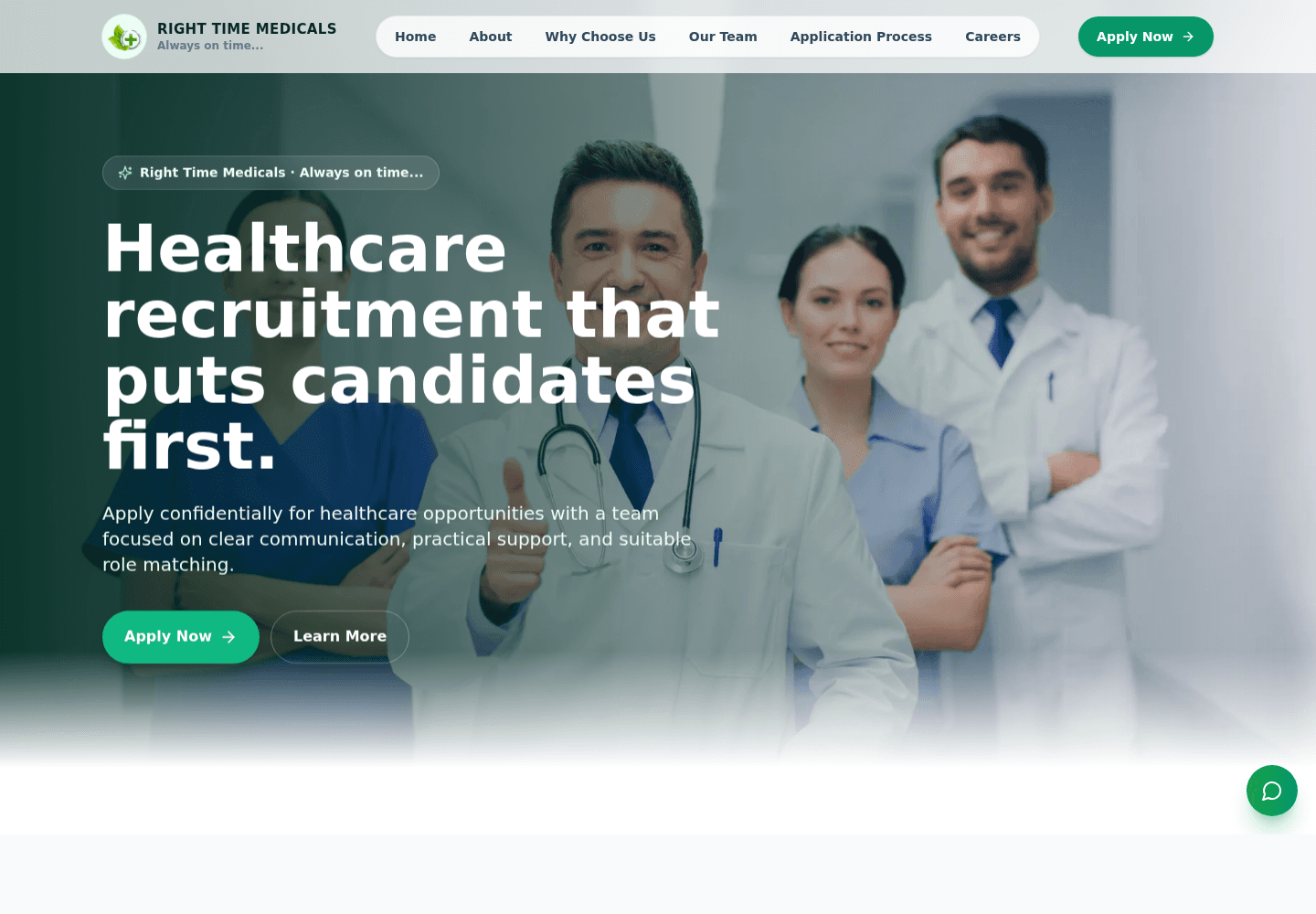
Right Time Recruitment
A healthcare recruitment website with a focused candidate journey, application calls to action, clear process messaging, and WhatsApp-ready lead capture.
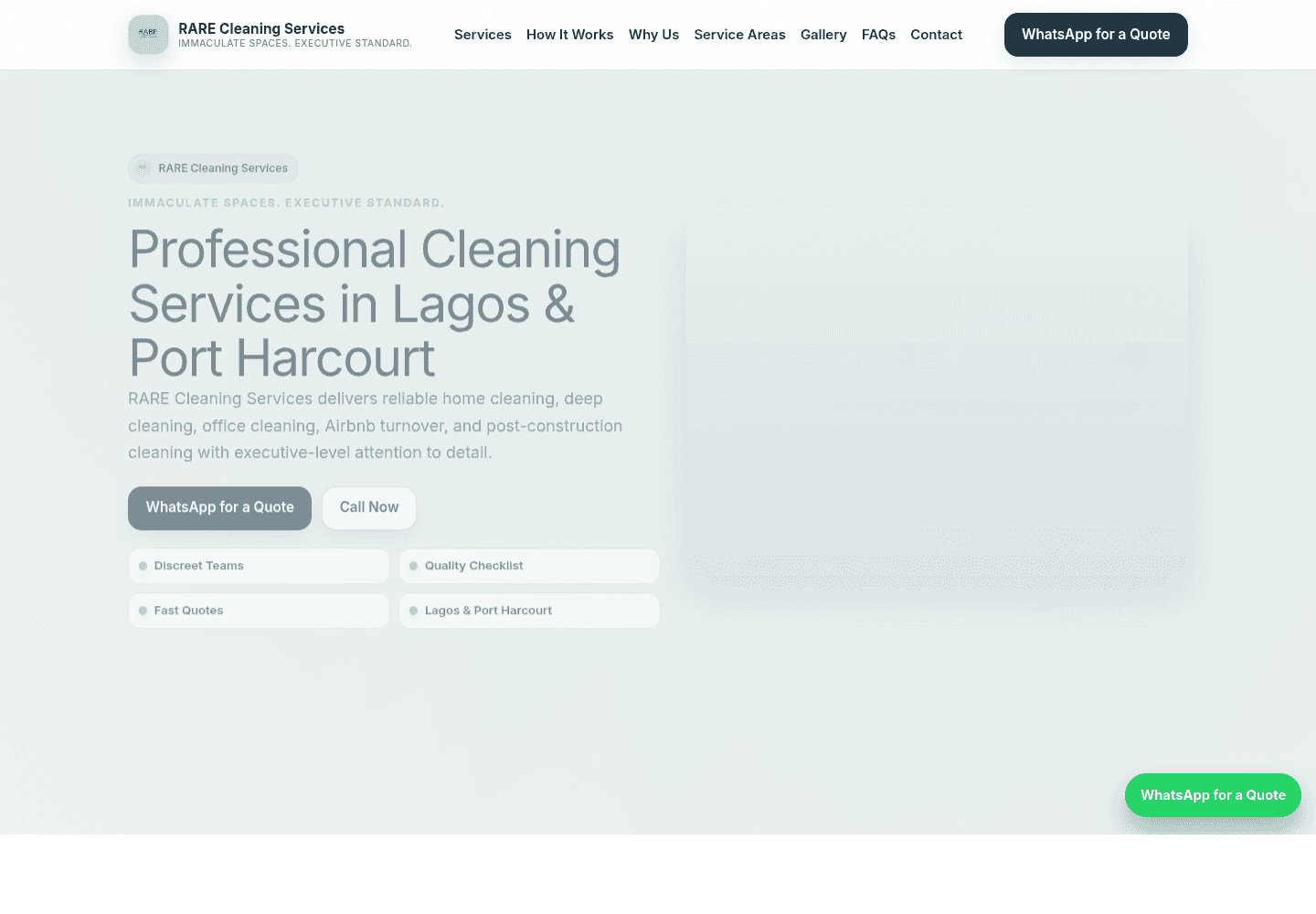
RARE Cleaning Services
A premium cleaning services website for Lagos and Port Harcourt clients, built around service clarity, trust signals, FAQs, gallery content, and WhatsApp quote requests.
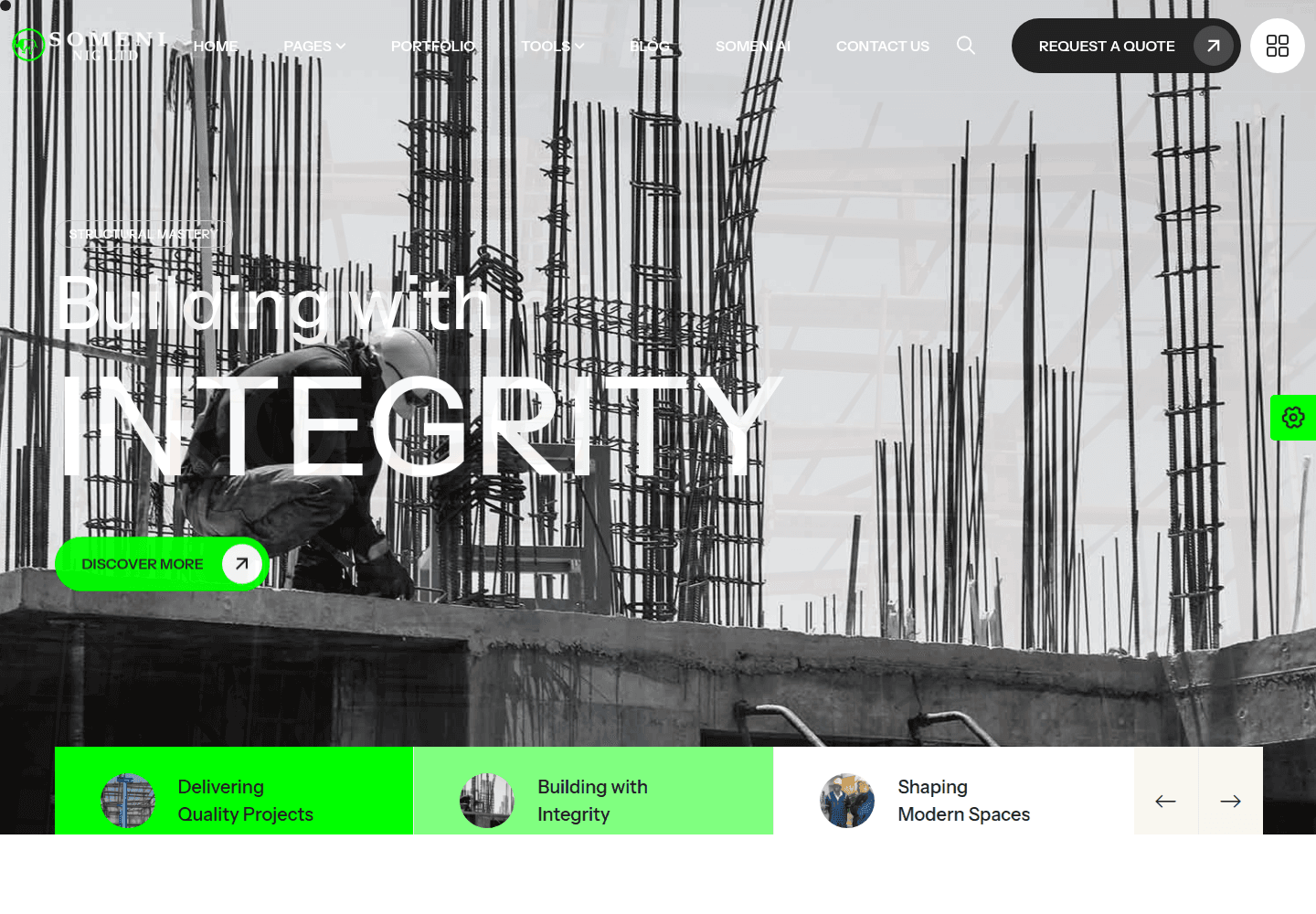
Someni Nigeria Limited
An enterprise Next.js platform for an oil and gas engineering firm, complete with service pages, portfolio showcase, testimonials, blog integration, and custom estimate tools.
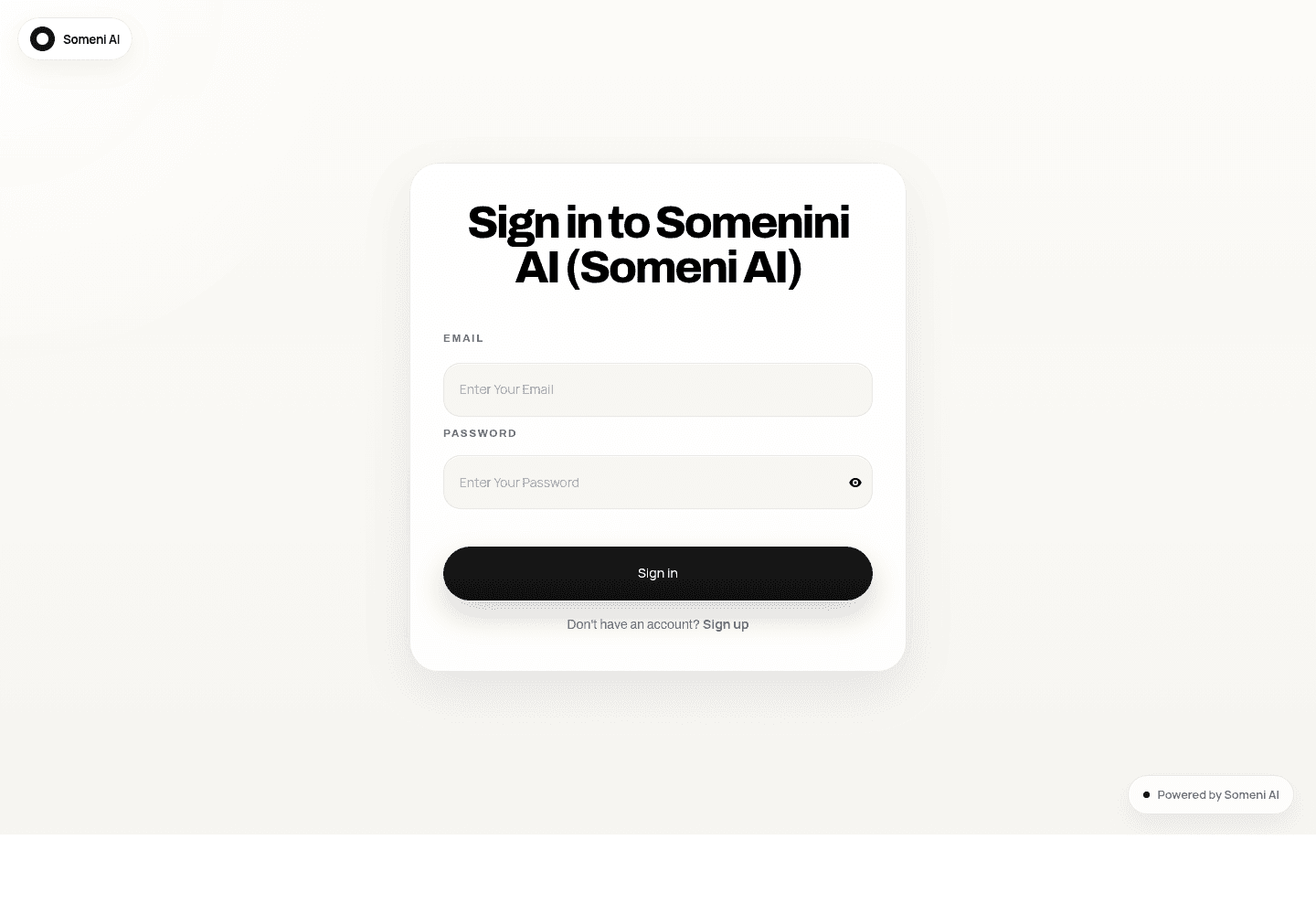
Someni AI
A branded AI assistant deployed on a private VPS stack with Ollama and n8n, giving the client 24/7 automated engagement directly from the company navigation.
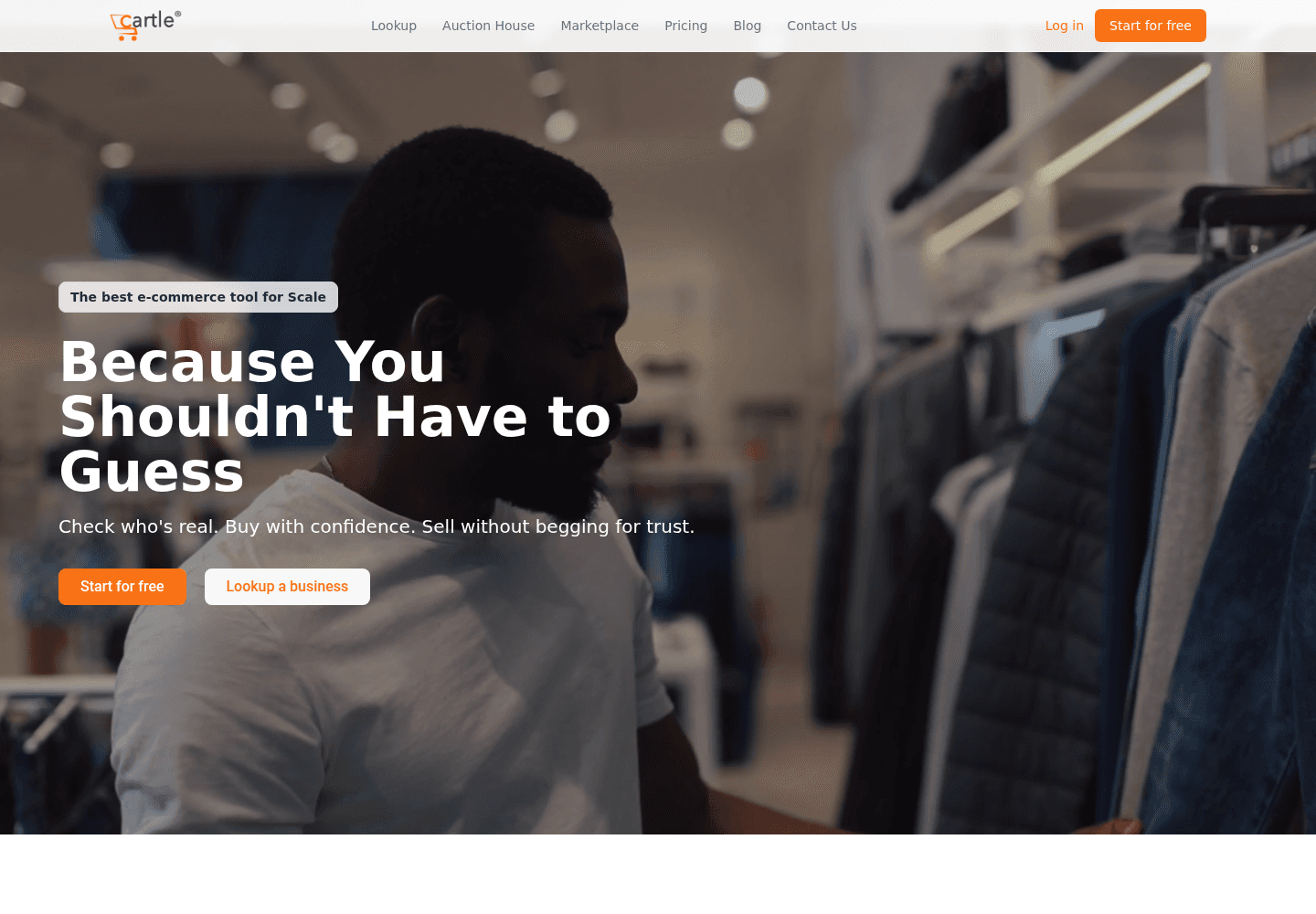
Cartle Startup
The core platform and companion blog for an early-stage Nigerian startup, launched with custom hosting, Ghost CMS, and full DNS and SSL configuration.
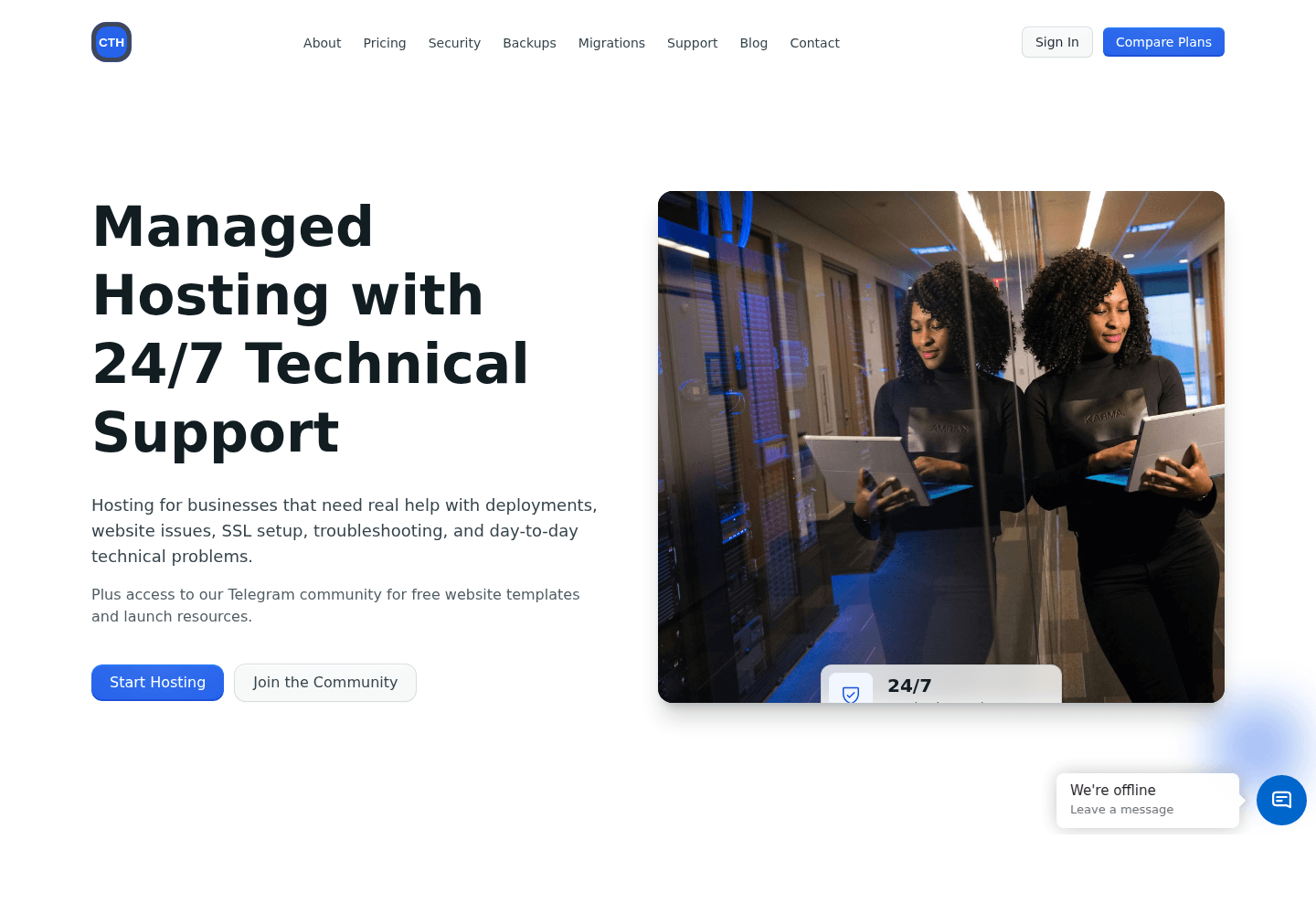
Continental Trust Online
A WordPress-based financial services site deployed on VPS infrastructure with security hardening, theme setup, and ongoing maintenance.
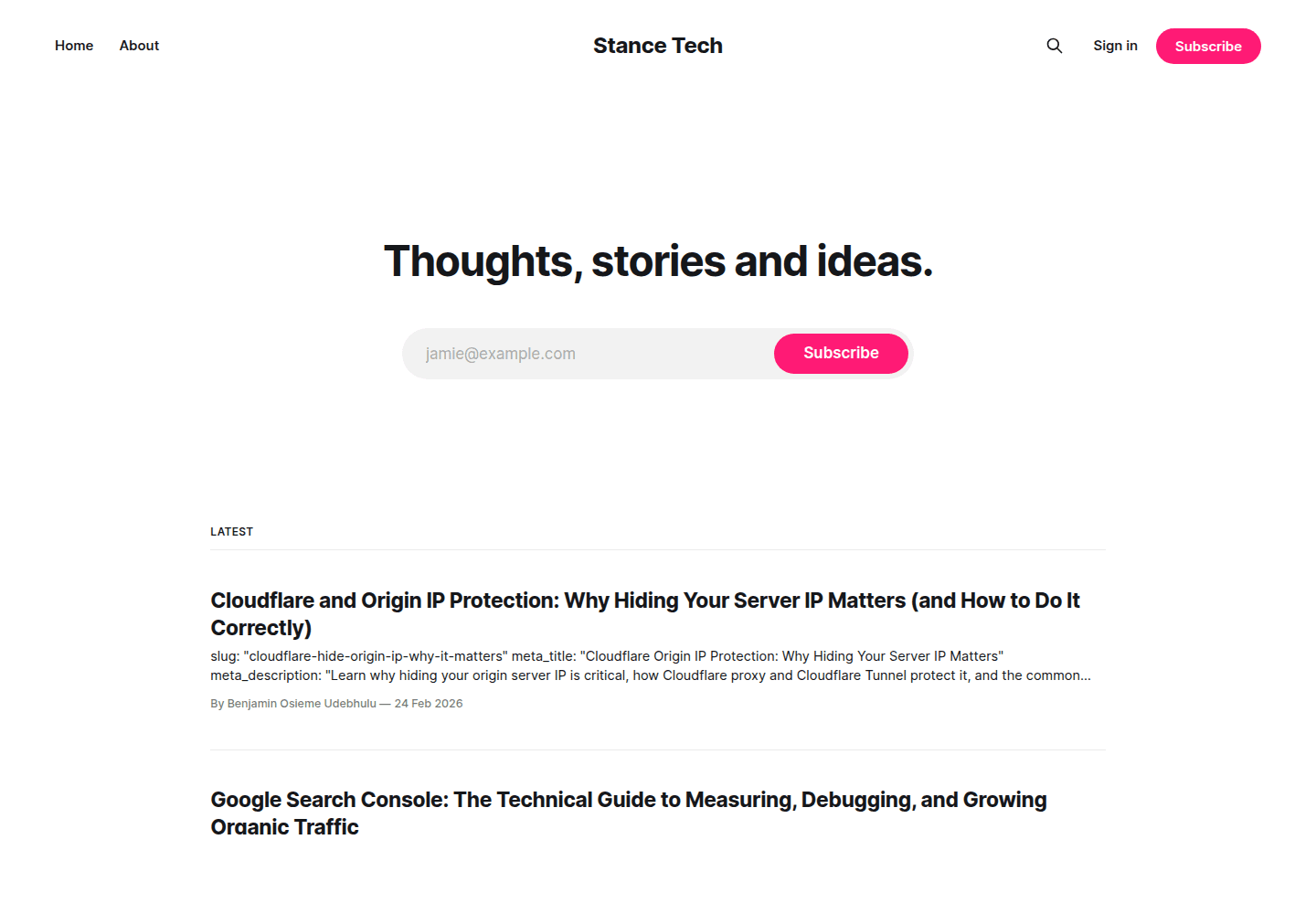
Ghost CMS Deployments
Custom headless Ghost blog builds with tailored themes and VPS hosting for projects such as blog.stanceweb.us and blog.cartle.io.
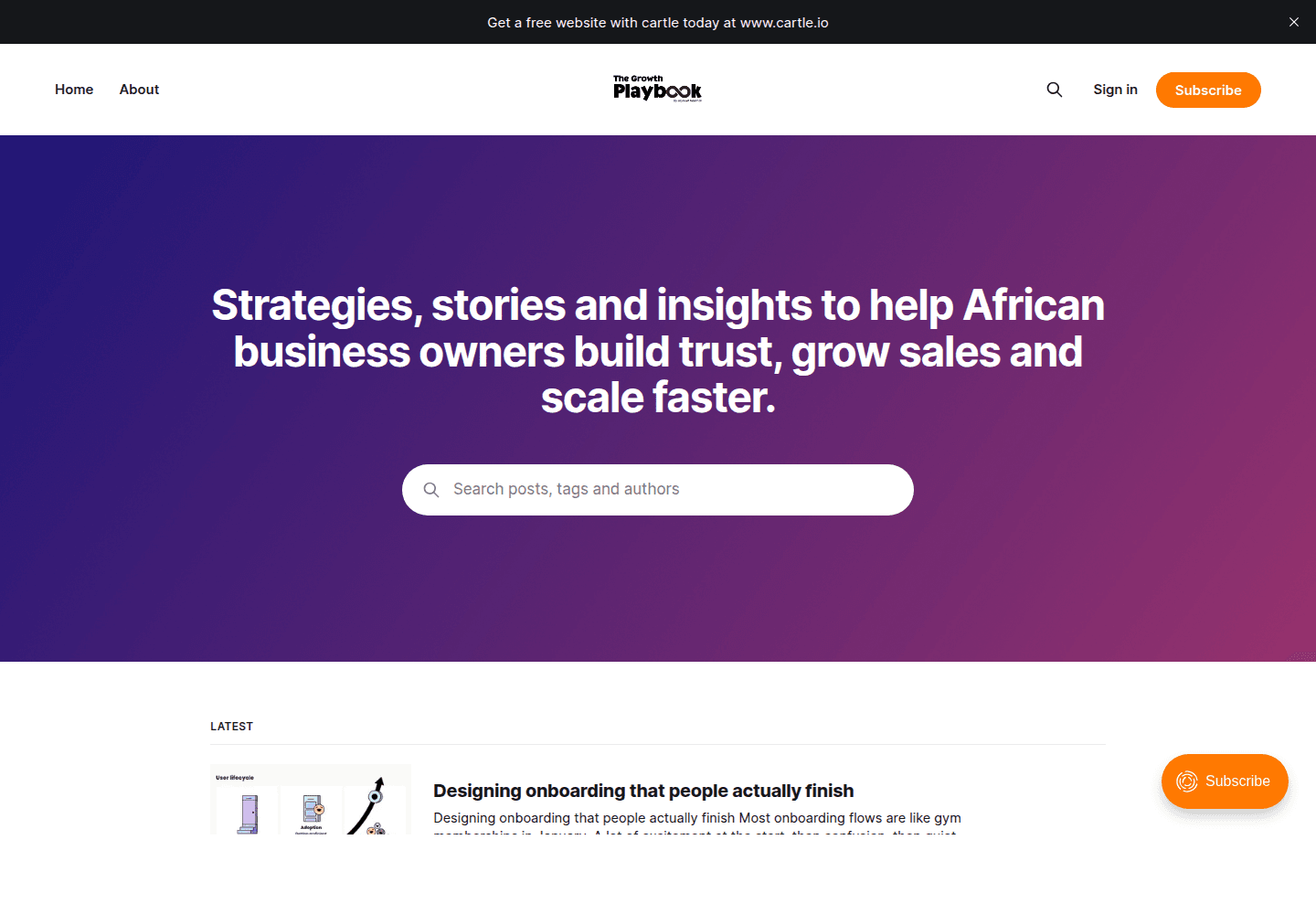
Cartle Blog
A Ghost CMS blog build with custom themes and VPS hosting, showing the kind of content platform Stance can ship and maintain alongside a main product.
Experience by the Numbers
These numbers reflect the delivery footprint behind Stance and the kinds of systems the agency has already launched and supported in production.
Years Shipping Products
Live Production Sites
Custom Business Tools
Core Disciplines
A practical path from idea to production
The workflow is built for business owners who need clarity, speed, and a technical partner that can handle both the product and the server it runs on.
Discover
Clarify the business goal, current tools, target users, and the fastest path to a useful launch.
Plan
Map the core screens, data flow, integrations, hosting needs, and delivery milestones before build starts.
Build
Ship the interface, backend, automation, payment, CMS, or VPS layer with regular progress checkpoints.
Launch
Deploy, configure DNS and SSL, test production flows, and keep support available after handoff.
Who Stance helps
Best fit projects usually need a mix of design, engineering, infrastructure, integrations, and ongoing technical judgment.
Common questions
A few details that help clients understand what kind of work Stance can take on.
Can Stance handle hosting as well as the website?
Yes. Stance can build the website or app and also configure the VPS, Nginx, SSL, DNS, CMS, and deployment workflow.
Do you only work with new projects?
No. Existing sites and apps can be improved, migrated, hardened, redesigned, automated, or connected to new tools.
Can you add AI or automation to an existing business?
Yes. Common work includes AI assistants, n8n workflows, lead routing, internal dashboards, webhook flows, and support automation.
What should I send before requesting a project?
Send your goal, current website or app if available, deadline, preferred budget range, and the business process you want improved.
Why teams choose Stance
Stance is useful when a project needs more than a polished screen. The same delivery can include frontend, backend, hosting, automation, integrations, and launch support.
One partner for product and production
Stance handles strategy, build, deployment, and support as one continuous process, keeping delivery fast and accountability clear.
Infrastructure is part of the work
The agency treats infrastructure as part of the product, with hands-on experience across Linux VPS environments, CyberPanel, SSL, and production reliability.
Automation with practical control
Stance builds AI assistants and automation workflows with practical control in mind, including self-hosted and API-connected systems where needed.
Built around business outcomes
The work is shaped around outcomes that matter to clients, like lead capture, payment flow, content publishing, and operational efficiency.
Contact Stance
If you need a website, custom software build, infrastructure support, or automation for your business, Stance is ready to help shape the right solution.
Start the Conversation
Share the project type, expected timing, and the business result you want. Short notes are fine.